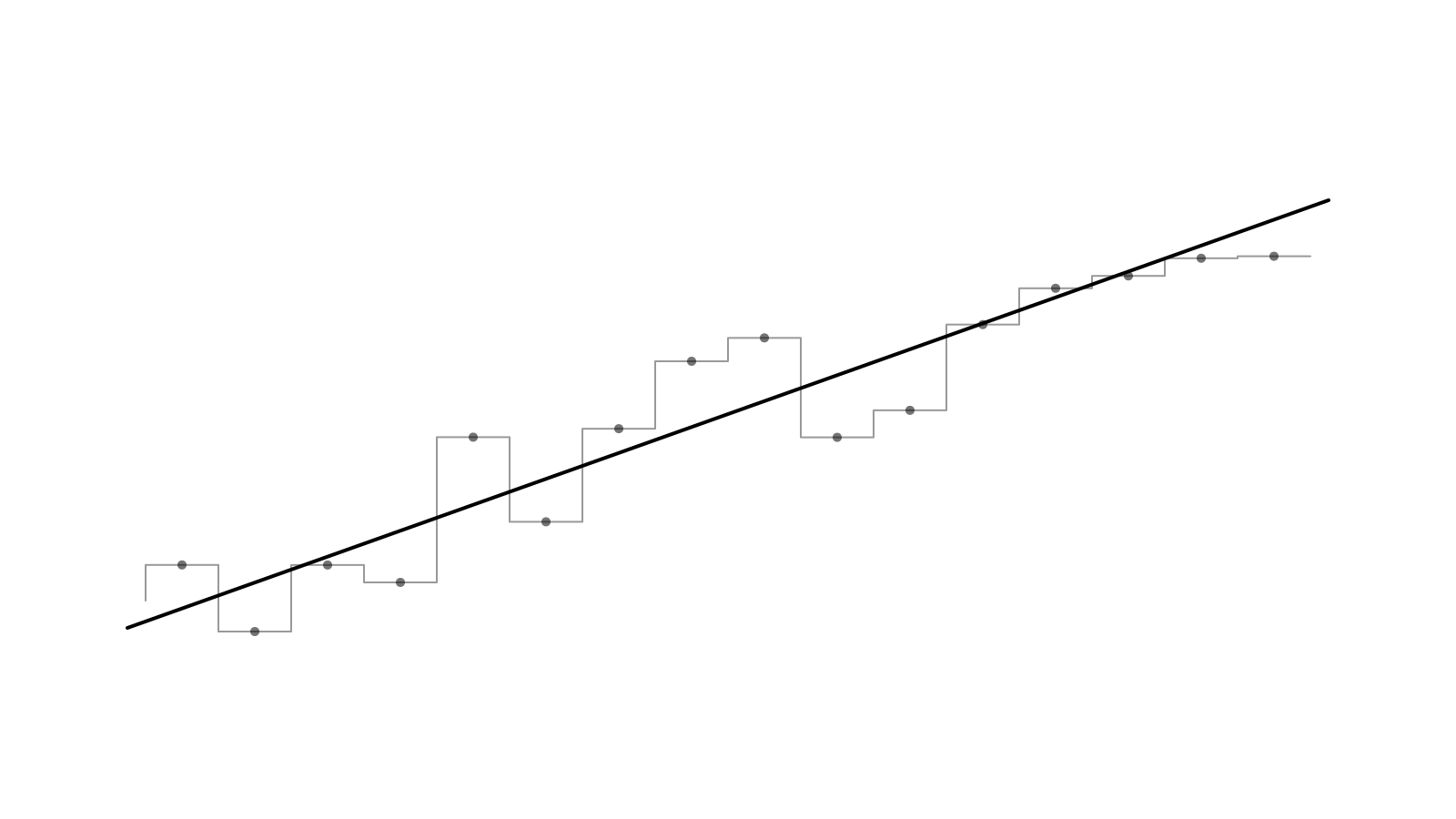
Present and export
Want a chart for a post, a slide or a design review? Every example on Charts and every recipe now has a Present chart button. It opens the chart in a modal and plays its entrance again, with a floating toolbar like the one in Studio.
Export a PNG
Pick Square (1080×1080) or Portrait (1080×1350). Exports render at 2x on a black background, with padding around the chart and a faint pattern tinted to the current palette that fades out toward the edges. The toolbar sets the padding, chart size, chart aspect and pattern opacity, and turns the legend on or off. It follows the colour palette picked in the site header.
Press E to export without leaving the chart. If you're hovering a point, the tooltip stays in the image.
Edit the data
Click Edit data to open the chart's data as JSON in a side sheet. Change a value and the chart redraws in place, so you can try your own numbers before you install anything. This works on 217 of the 228 chart examples and on every recipe chart. The live line chart is left out on purpose because it streams its own data.
The editor only exists on the site. The code you install with the shadcn CLI is unchanged.